
Zeros Workspace is included free on every plan.
Your server is now an
IDE.
A full Visual Studio Code, running in your browser, wired straight into your game server. Edit Lua, run it live, see the console. Never open an SFTP client again.
Syntax highlighting · IntelliSense · file history for
What you get in the editor
Run Lua on your server, watch the console as it happens, and roll back any save. The editor is connected straight to your live server.
Run Lua on the live server
Highlight any block of code, press ⌘↵, and it runs on your live server. Output streams back into the editor in real time. Same loop as a local game dev, in a browser tab.
Live console, line by line.
A native Output panel tails the GMod console as it happens. Kills, connects, errors, all of it. Filter for what matters. You don't need SSH or a separate tab to read the logs.
Automatic snapshots
Every save and every 10 minutes, your server is automatically snapshotted. See a diff of any change, restore any version in one click.
Press this. Watch the server.
Select any Lua block in the editor and ship it. Output appears in the workspace's console tail within a second. Same loop a Source engine plugin dev has on their local machine. The only difference is this is your real, live, paying players server.
First execution per workspace requires a one-click confirmation. After that, fast path stays fast.
The full VS Code, in your browser
Everything code-server ships with, wired into your game-server volume and authenticated with your Zeros Host login. You don't need a separate account or any port forwarding.
In-browser editor
Full Visual Studio Code running on Zeros infrastructure. No app to download.
Syntax highlighting
Lua, JSON, YAML, .cfg, .vmf, .vdf, and 80+ other languages.
Integrated terminal
Real shell inside your server container, opened from the editor.
File history + line diffs
Auto-snapshotted every 10 min and on save. Side-by-side diff viewer.
Live server console
Output panel tails the GMod console in real time.
Server status sidebar
Start, stop, restart your server without leaving the editor.
Deep-links from File Manager
Click a file in the panel → opens straight in the workspace.
Open VSX marketplace
Install themes, language servers, and tools from inside the editor.
No SFTP credentials
Authenticated through your panel session. Nothing to copy around.
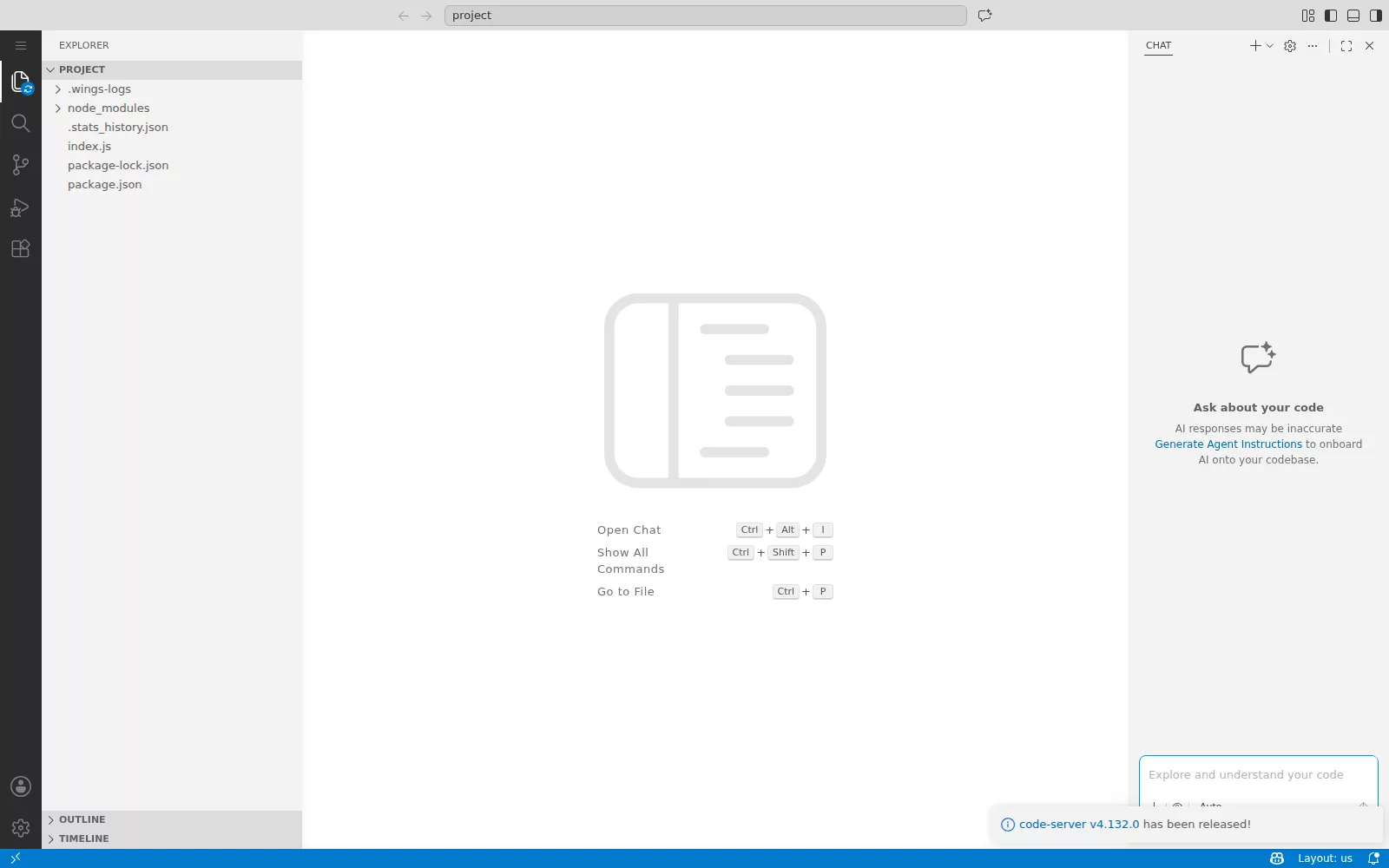
A real screenshot
This is a live capture of code-server running on an actual Zeros Host server, straight from the panel.
Workspace vs SFTP vs cPanel editor.
Workspace is a full code editor in your browser, wired directly into your live game server. Edit a config file and the change is live. You don't need an FTP client, SFTP credentials or an upload step.
Anyone who edits server files more than once a month.
Tweaking Lua addons
Open any .lua file, edit with full IDE polish, save it. You won't need FileZilla or have to guess which folder a file goes in.
Quick balance changes
Change a salary, restart a job, push it live in 30 seconds. Watch the console for errors as it loads.
New devs onboarding
If they know Visual Studio Code, they already know your dev environment, so they can start on day one.
Safe Saturday-night deploys
Auto-snapshots before every save plus a 10-minute heartbeat. Whatever breaks, you revert with one click.
Stop SFTP'ing your job to death.
The workspace comes with every Zeros Host plan, so there's nothing extra to buy. Start with a 24 hour free trial. No card.